Statistics
Show statistics data of your company including current and historical information at a glance.
📖 View the setup guide Powered by Than Nong AI
A lightweight cloud ERP platform for faster digital transformation: attendance, HR, asset management, approvals, payroll, and restaurant operations.
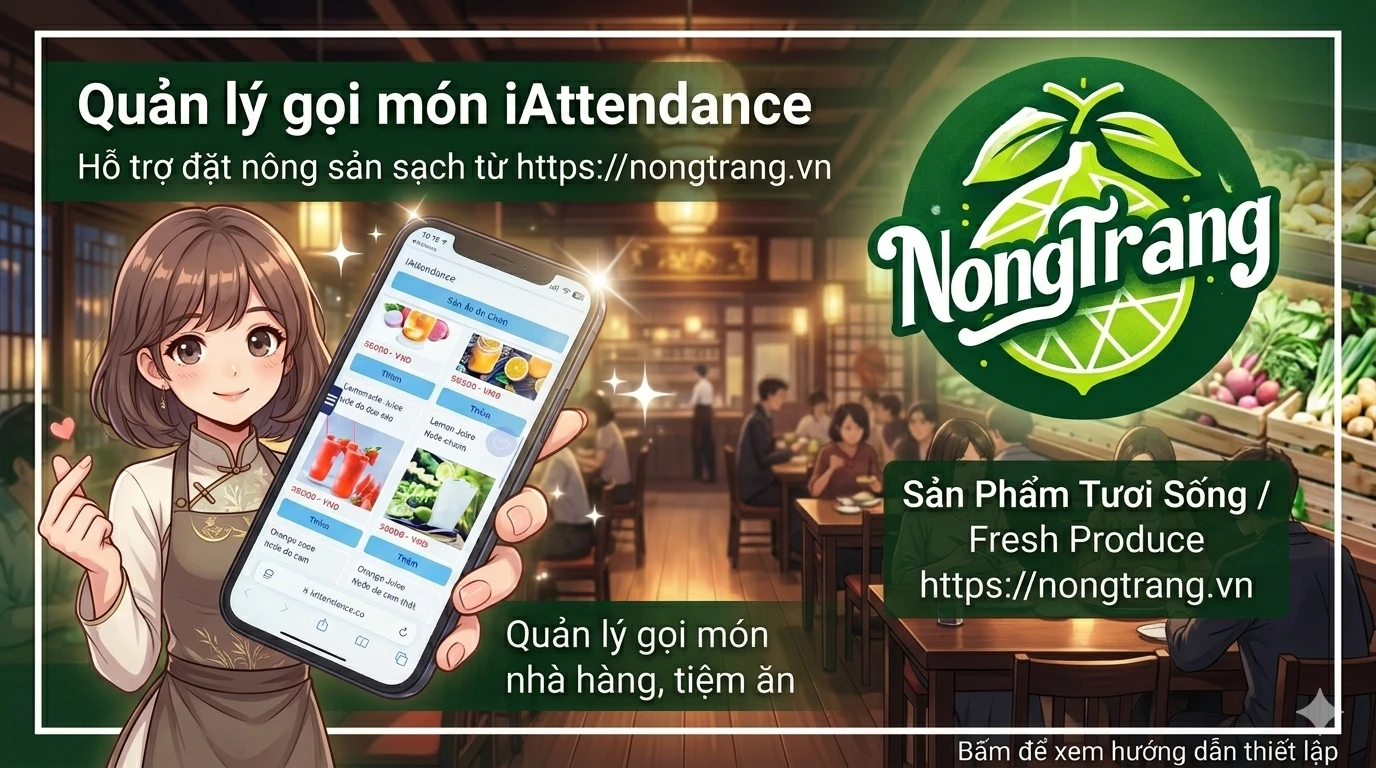
↑ Click image to view setup guide
iAttendance is a comprehensive ERP platform combining workforce management, e-commerce, restaurant operations, and IoT — all powered by Thần Nông AI 🌾
QR code, GPS, photo verification & fingerprint (FIDO2)
📖 View the setup guideAgricultural marketplace, shops, orders & revenue tracking
📖 View the setup guideShow statistics data of your company including current and historical information at a glance.
📖 View the setup guideManage your users and QR codes for check-in/out locations. Change company settings like timezone, enable Telegram bot notifications.
📖 View the setup guideQR code scanning, fingerprint (FIDO2), photo verification, and GPS for flexible attendance operations. Staff scans QR code to check-in/out at designated locations.
📖 View the setup guideTwo ways to create timelogs: staff checks in/out with QR location, or staff manually submits timelog for manager approval. Supports multiple approvers across partner companies.
📖 View the setup guideManage all company inventories (laptops, phones, etc.). Track who is using each asset, transfer and borrow assets between staff and working groups.
📖 View the setup guideManage all approval requests, support tickets, and staff proposals. Ensure important requests—especially financial ones—are tracked and approved before execution.
📖 View the setup guideManage leave of your staff. Create leave configs, staff submits leave requests, and managers approve. Receive daily notifications of staff on leave via Telegram.
📖 View the setup guideCreate and upload payslips for your staff. Create configs, upload payslip files, approve, make payment, and complete. Staff can only view payslips with "completed" status.
📖 View the setup guideManage visitors in/out for offices, buildings, and factories. Create visitor events, place QR codes at gates, and visitors check-in by scanning—no paper notebooks needed.
📖 View the setup guideOrganize events and share registration links. Create E-ticket events and share the link to attendees—replace paper invitations with digital tickets.
📖 View the setup guideManage user information and relevant documents. iAttendance notifies if any document is nearly expiring. Deleted documents are kept in Trash for 10 days before permanent deletion.
📖 View the setup guideMultiple people can login to the Company portal. Admin with the highest permission can grant module-specific access rights to each person.
📖 View the setup guideReceive real-time Telegram notifications for staff leave, check-in/out, and more. Both admin and users can set up Telegram with different notification content.
📖 View the setup guideAllow customers to scan QR codes at tables to place orders. Manage revenue and customer volume across restaurants. No specialized hardware needed—supports multiple languages.
📖 View the setup guideStaff scans QR code to check-in/out at designed location for attendance report.
How to activate fingerprint login and check-in. The QR code for gate needs to support fingerprint check-in.
Manage inventories of individuals or groups. Transfer and borrow assets between company members.
For offices, buildings, or factories wanting to manage visitors without paper registration.
How staff submits timelog and manager approves it.
Timelog approval by managers of multiple partner companies via external login portal.
How to create payslips for your staff.
How to manage leave of your staff.
Manage info & documents of your staff. iAttendance notifies if documents are nearly expiring.
Manage all approval requests and support tickets. Track daily company routines and financial matters.
Admin can set up access rights to specific modules for each person logging into the company portal.
Set up Telegram on iAttendance to receive real-time notifications. Both admin and staff can configure with different content.
Allow customers to scan QR at tables to order. Manage revenue and customers across all your restaurants. Supports access codes at restaurant or table level.

Check out our official FAQ page for common questions and detailed guides about iAttendance.
📖 View FAQ →You can also ask Thần Nông AI any question or issue related to iAttendance.